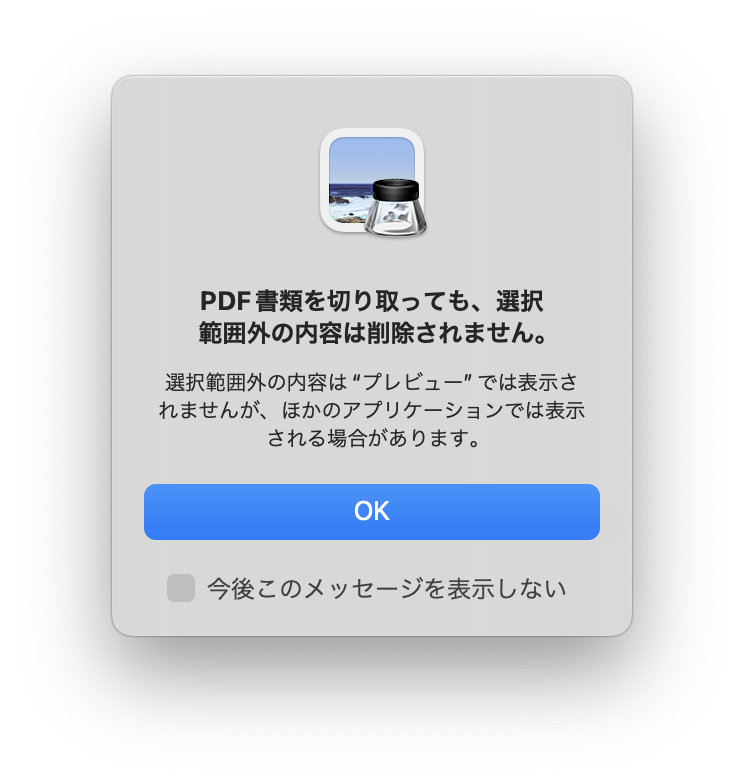
プレビューでのトリミングはトリミングする時画像のように警告が出ると思いますが、
(他のアプリケーションでは表示される場合があります と)Automatorもそれに含まれるかと。
なので、Automatorでの処理は難しいと思います。
細かい設定はできませんが、プレビューからスクリプトを使って直接書き出すというのはどうでしょう?
マシンに合わせて、小休止(delay)の時間の調整が必要かもしれませんが、プレビューでPDFを開いてスクリプトを実行すると
デスクトップにUUID名でJPEG形式で書き出されると思います。多分。
多分というのはこちらの環境にApple Silicon機がないため動作確認ができないからです。
あまり面白味のないスクリプトコードですけど、試してみられます?
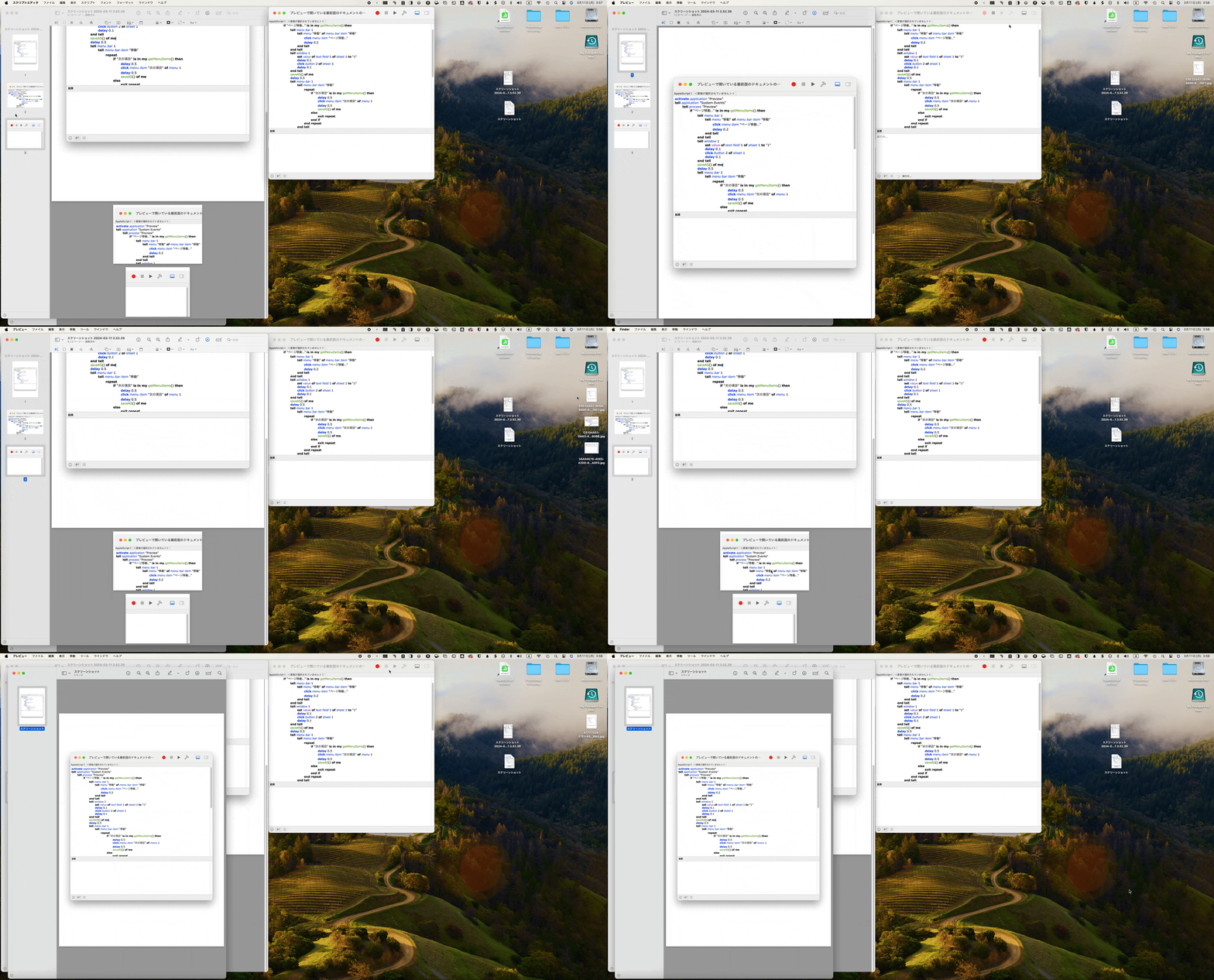
何かしら許可が求められたら許可してください。
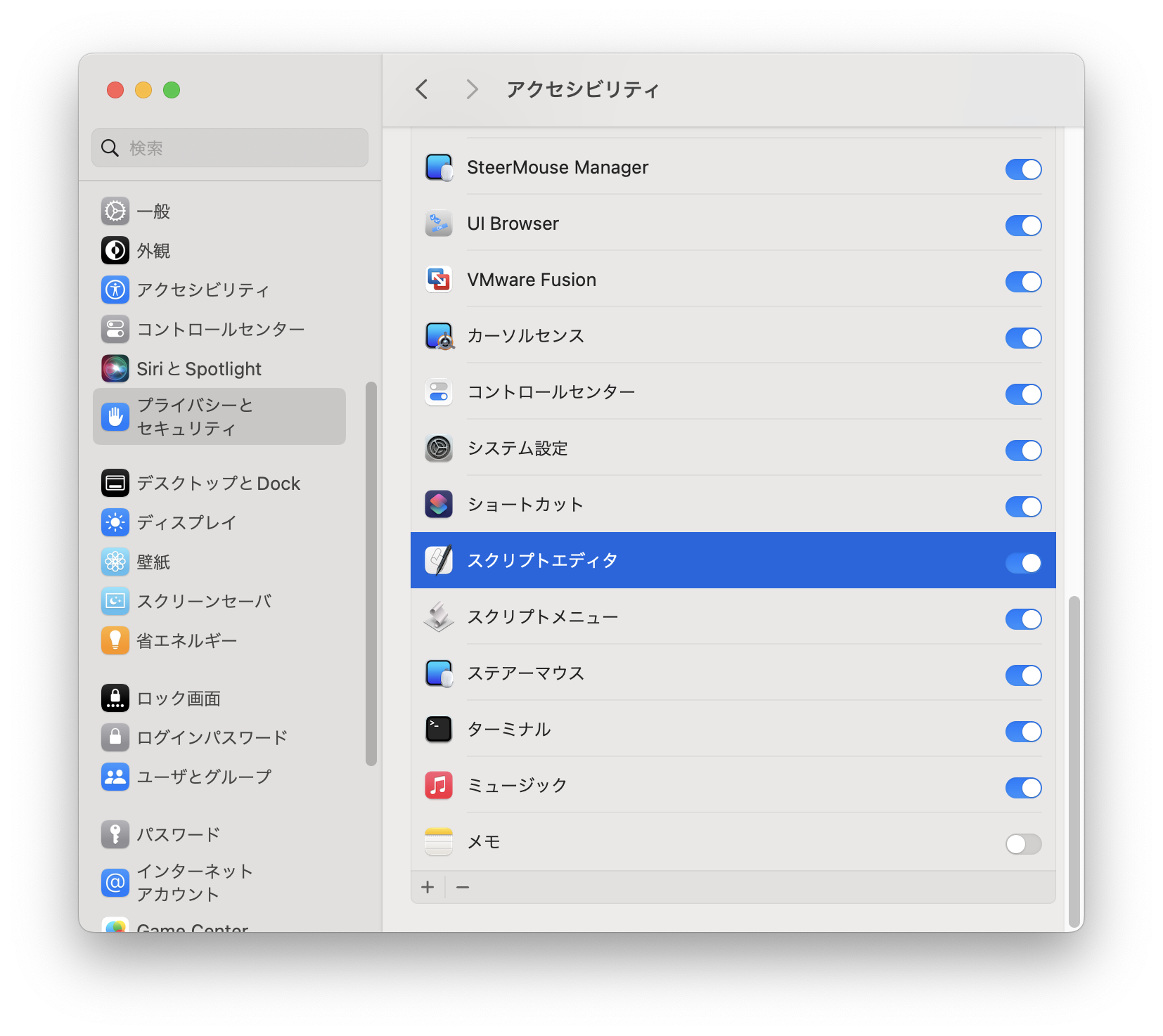
おそらく、システム設定のプライバシーとセキュリティのアクセシビリティでスクリプトエディタを許可すると動作すると思います。
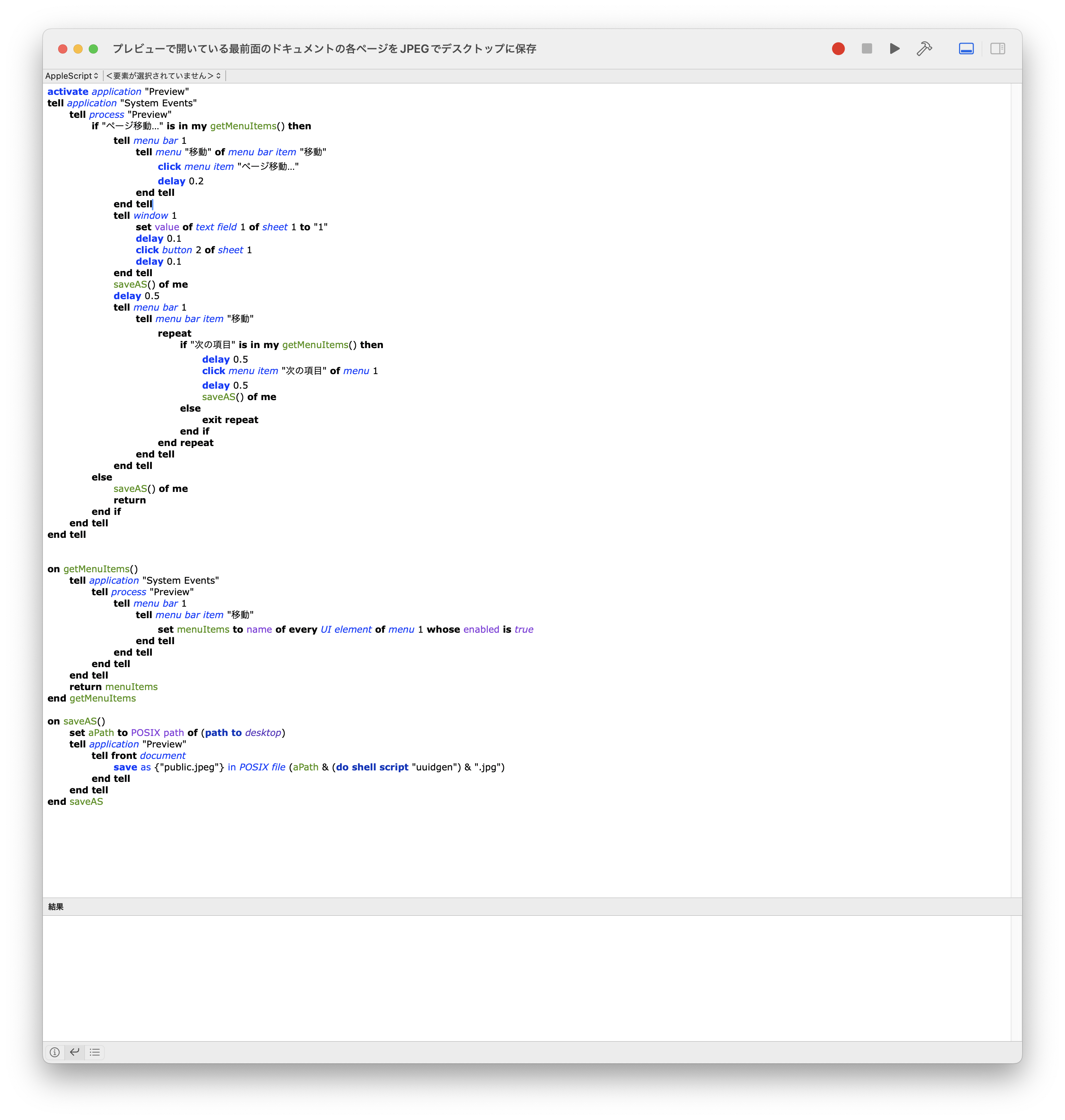
下記はコードです。標準搭載のスクリプトエディタにペーストしてください。
activate application "Preview"
tell application "System Events"
	tell process "Preview"
		if "ページ移動…" is in my getMenuItems() then
			tell menu bar 1
				tell menu "移動" of menu bar item "移動"
					click menu item "ページ移動…"
					delay 0.2
				end tell
			end tell
			tell window 1
				set value of text field 1 of sheet 1 to "1"
				delay 0.1
				click button 2 of sheet 1
				delay 0.1
			end tell
			saveAS() of me
			delay 0.5
			tell menu bar 1
				tell menu bar item "移動"
					repeat
						if "次の項目" is in my getMenuItems() then
							delay 0.5
							click menu item "次の項目" of menu 1
							delay 0.5
							saveAS() of me
						else
							exit repeat
						end if
					end repeat
				end tell
			end tell
		else
			saveAS() of me
			return
		end if
	end tell
end tell


on getMenuItems()
	tell application "System Events"
		tell process "Preview"
			tell menu bar 1
				tell menu bar item "移動"
					set menuItems to name of every UI element of menu 1 whose enabled is true
				end tell
			end tell
		end tell
	end tell
	return menuItems
end getMenuItems

on saveAS()
	set aPath to POSIX path of (path to desktop)
	tell application "Preview"
		tell front document
			save as {"public.jpeg"} in POSIX file (aPath & (do shell script "uuidgen") & ".jpg")
		end tell
	end tell
end saveAS